
Valleylab Force FX/FX-c Service and Repairs
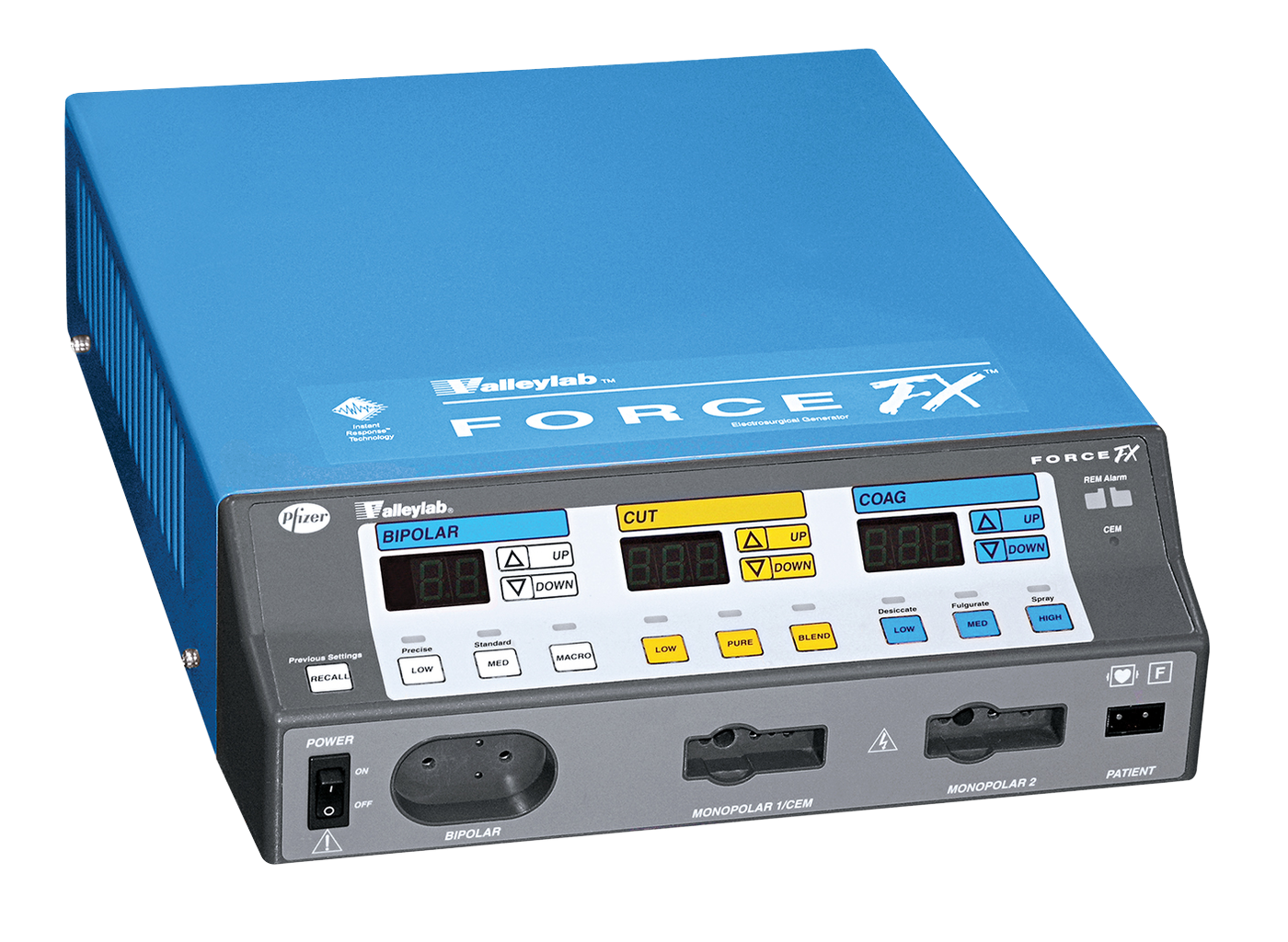
The Valleylab Force FX™ generator adjusts automatically, responding to tissue changes, maintaining power delivery, and minimizing drag.ReNew Biomedical offers reliable and expert service for the FX and the FX-c. When sending in your ESU for service, please include any related accessories tied to the reported issue (e.g., batteries, power supplies, etc) to help us fully diagnose and resolve the problem. Need parts, disposables, or accessories? Visit our trusted parts and accessories partner for compatible components.

Possible Repair or Service Needs
Monopolar/Bipolar port not functioning (as the ports are repeatedly used the internal contacts can become loose and need to be retightened)
Does not recognize REM (The pressure sensor that the ren cable plugs into may be old and no longer closing the circuit when plugged in)
Error code 16 (May be corrected with a calibration, if not more than likely looking at a bad Control PCB)
Unit does not complete startup when powered on (aka a bootloop, this has been seen to stem from a DC voltage issue coming from the low voltage power supply or Control PCB)
Error code 17 (Unit is detecting an output without footswitch use, may be an issue with the RF PCB needing to be replaced)
Damaged nosecone or damages case
External case damage
Device controls not functioning
Issues with powering on
Accessories not detected or registering
Unit failed

Care Instructions

Proper storage in climate climate-controlled area
Use only fingers to press buttons (not ink pens)
Be gentle with older units