
EDAN SE-1200
The Embra Medical E-12 ECG Machine delivers reliable clinical performance in a cost-effective, user-friendly package designed for fast-paced healthcare environments. Built with an intuitive interface and practical design, the E-12 features a full alphanumeric keyboard, one-touch operation, and convenient age/gender shortcuts to streamline workflow. Whether you’re outfitting a clinic, hospital, or mobile unit, the Embra E-12 offers dependable ECG performance with minimal setup and maximum ease of use.Keep your Embra Medical E-12 ECG Machine operating safely and reliably with annual Preventative Maintenance (PM) service. Certified biomedical technicians follow OEM-compliant service protocols to calibrate, test, and verify your equipment meets OEM specs for safety and performance.Need parts, disposables, or accessories? Visit our trusted parts and accessories partner for compatible components.
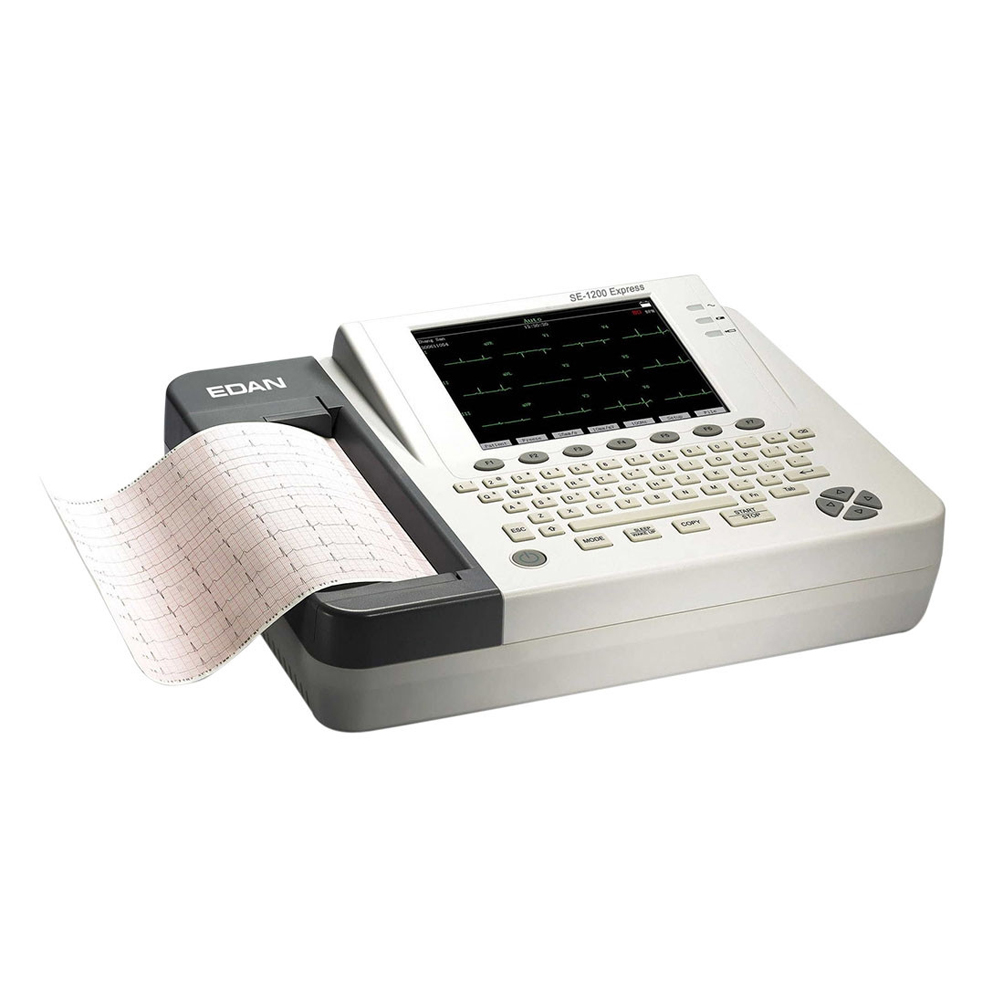
Possible Repair or Service Needs for the EDAN SE-1200

Edan SE-1200 Care Instructions

Proper storage in climate climate-controlled area
Putting a case on the unit
Use only fingers to press buttons (not ink pens)
Be gentle with older units