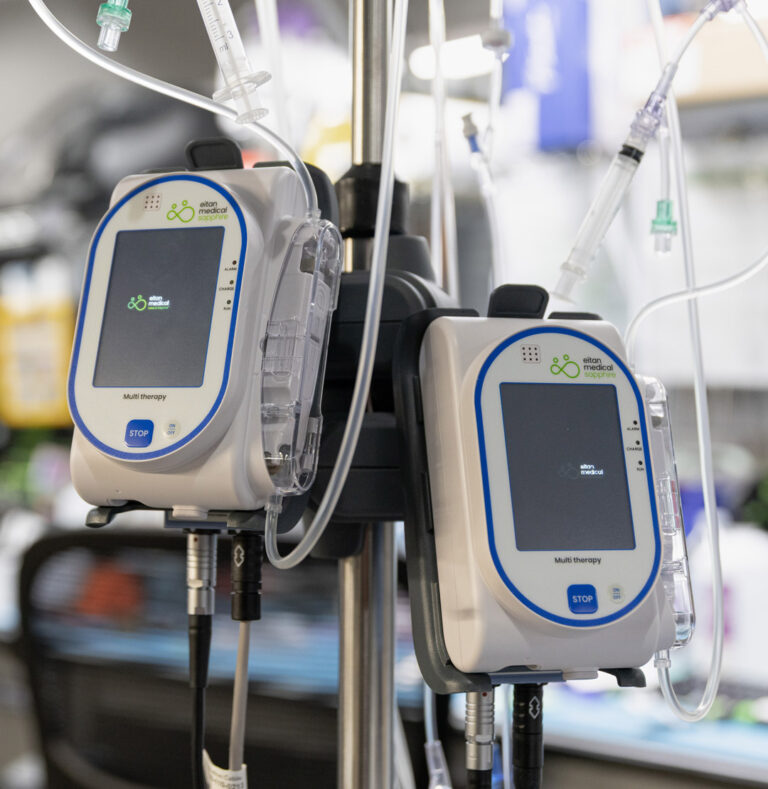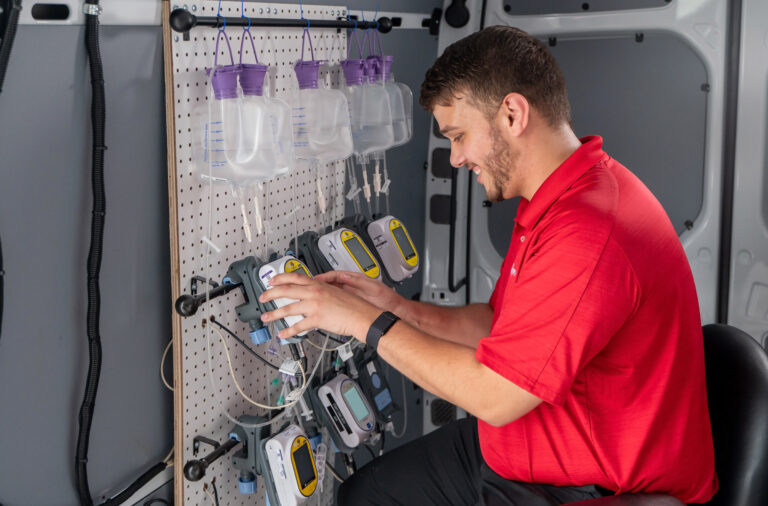
Sapphire Multi-Therapy Infusion Pump Service and Repairs

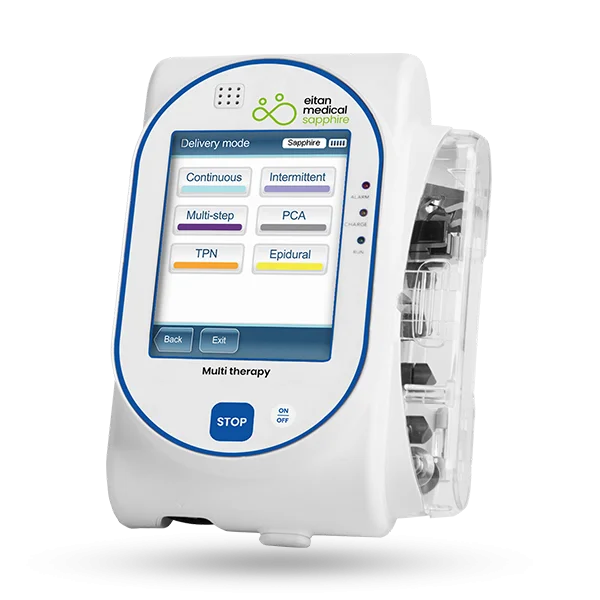
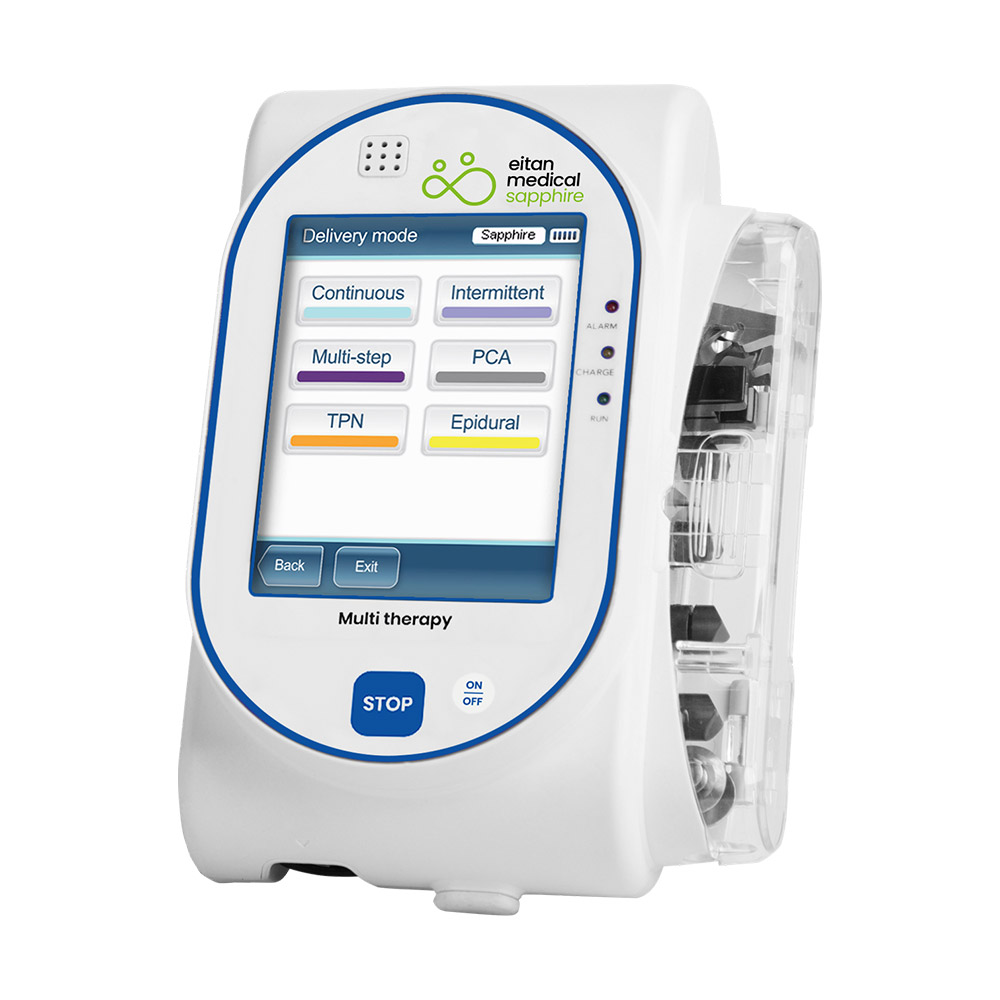
The Sapphire Multi-Therapy infusion system is a complete solution for clinical use in hospital, ambulatory and EMS settings. Known for accuracy, ease of use, and durability, the Sapphire combines high-end volumetric functionality with compact size.

Keep your Sapphire Infusion System operating safely and reliably with annual Preventative Maintenance service OR a multi-year service contract. Certified biomedical technicians follow OEM- compliant service protocols to calibrate, test, and verify your equipment meets OEM specs for safety and performance.
Service Options

  • PM Cycle: Annual
  • Functions Test
  • Preventative Maintenance (PM)Learn More
  • Repair
  • On-Site PMs
  • Service ContractLearn More
  • Software Updates

Possible Repair or Service Needs

Cracked screen
Unresponsive touch screen
Battery replacement
Unexpected stoppage error 1001
Internal error (pump shuts down in 3 minutes)
Communication error
False air in line error
False occlusion error

Preventative Maintenance for the Sapphire Pump

  • Visual inspection to verify integrity of unit
  • Diagnostic check of device’s CPU
  • Testing of power supply system and internally housed battery
  • Testing of all device parameters to OEM specifications
  • Calibration of device functions to OEM specifications
  • Complimentary device cleaning
  • Free return shipping
  • Full Biomed Report for compliance and documentation

Service Contract for Sapphire Infusion Pump

  • Everything in Annual PM, AND:
  • Replacement of internal battery at OEM-Recommended intervals
  • Parts and Labor for all repairs and maintenance necessary to meet OEM requirements
  • Asset management via RAMS
  • Automated, scheduled service
  • Access to replacement parts

Service Contracts do NOT include accessory replacements (such as cables, power cords, cases, etc.), excessive abuse, accidental misuse, neglect of handling, or acts of God.

Care Instructions

Proper storage in climate climate-controlled area

Putting a case on the unit

Use only fingers to press buttons (not ink pens)

Disconnect power cable by holding the collar of the cable, not the wire

Be gentle with older units